


Complete Cookies Vape Pen Charger Guide: Troubleshooting, Specs & Expert Tips (2024)
Nov 10, 2025
Leave a message
Is your cookies vape pen charger not working? You're not alone. Thousands of users face charging issues with their cookies vape pen chargers daily. This comprehensive guide combines expert manufacturing insights from Magic Tech's 10+ years in the electronic cigarette industry with practical solutions to get your device working again.
Whether you're dealing with a cookies battery not charging, confusing light indicators, or need cookies battery charger instructions, this guide covers everything you need to know about cookies 510 battery chargers and troubleshooting common issues.
Understanding Cookies Vape Pen Chargers: Types and Specifications
The cookies vape pen charger ecosystem includes several different models, each with specific charging requirements and compatibility standards. Understanding your specific model is crucial for effective troubleshooting and replacement.
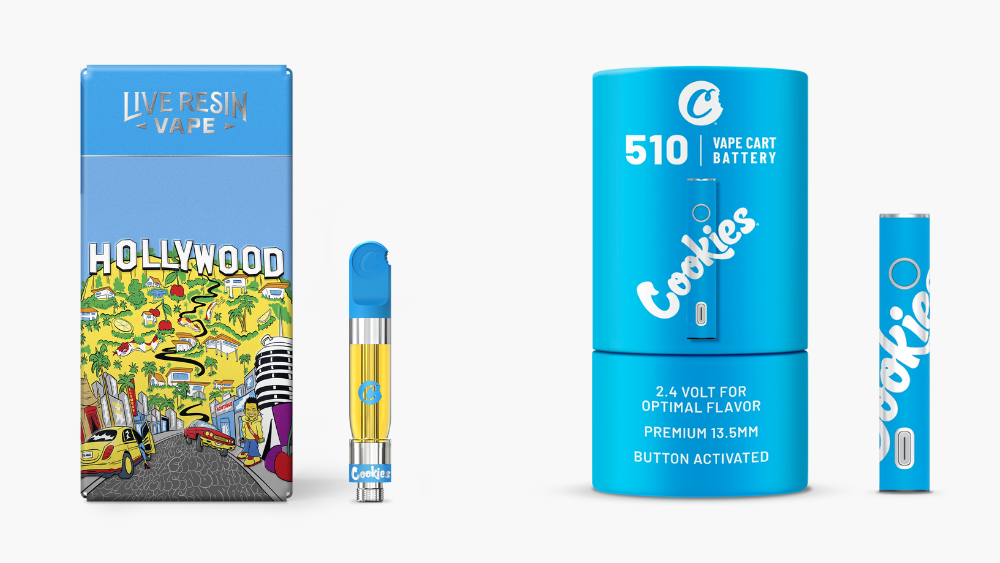
Common Cookies Charger Models
Most cookies pen chargers fall into two main categories: cookies 510 battery chargers and proprietary charging systems. The cookies 510 thread charger is the most common, utilizing the industry-standard 510 threading for both cartridge connection and charging.
| Model | Battery Capacity | Charging Method | Voltage Range | Charging Time |
|---|---|---|---|---|
| Cookies Slim Twist | 350mAh / 900mAh | eGo-USB / 510 Threading | 3.3V - 4.8V | 1-2 hours |
| Cookies 510 Plus | 650mAh | USB-C | 2.6V - 4.2V | 45-90 minutes |
| Cookies Standard | 350mAh | Micro-USB | 3.2V - 4.0V | 60-90 minutes |
Complete Troubleshooting Guide for Cookies Vape Pen Charger Issues
When your cookies vape pen charger stops working, systematic troubleshooting is essential. This section addresses the most common issues reported by users, including insights from reddit.com discussions and our manufacturing expertise.
Most Common Charging Problems
According to user reports and our quality control data, these are the top five issues with cookies pen chargers:
Cookies battery not charging red light - indicates connection or power issues
Device charges but doesn't turn on after charging cycle
Intermittent charging - works sometimes, fails other times
Charger gets hot during charging process
Battery drains quickly after charging
Start with the basics. Test your cookies charger with a different USB port or wall adapter. Many charging failures stem from inadequate power delivery. Use only 5V/0.5A adapters as specified in cookies battery instructions. Avoid fast-charging adapters designed for phones or tablets, as these can damage the internal circuitry.
Oil residue and debris commonly cause cookies 510 battery charger failures. For 510-threaded chargers, use a cotton swab dampened with 99% isopropyl alcohol to clean both the battery threading and charger connection. For USB ports, use a toothpick to gently remove lint and debris from the charging port.
Many users assume their cookies pen battery is defective when it's simply turned off. Press the power button five times rapidly within two seconds to activate most cookies batteries. Some models require three clicks instead. Look for LED confirmation that the device is powered on.
Examine your cookies vape battery for cracks, dents, or damage to the charging port. Physical damage often prevents proper charging and may indicate internal component failure. Pay special attention to the charging port and connection threading.
Over-tightening or under-tightening cartridge connections affects charging in 510-threaded systems. The connection should be finger-tight - snug enough to prevent wobbling but not forced. Excessive pressure can damage internal connections and prevent proper charging.
If basic troubleshooting fails, check the internal connection pin (if accessible). Use a small screwdriver to gently adjust the spring-loaded pin to ensure proper contact. This addresses issues where the pin becomes depressed and loses contact with the charger.
Understanding Cookies Pen Battery Light Colors and Indicators
The cookies pen battery light colors provide crucial information about charging status, battery level, and device functionality. Understanding these indicators is essential for proper device operation and troubleshooting.
Red Light
Charging: Battery is charging normally
Steady Red: Low battery warning
Flashing Red: Connection error or battery fault
Green Light
Steady Green: Fully charged
Flashing Green: Device ready to use
Rapid Flash: Voltage adjustment mode
Blue Light
Low Voltage: 3.3V setting active
Preheat Mode: 15-second preheat cycle
Flashing Blue: Temperature adjustment
Troubleshooting Light Color Issues
When your cookies battery red light when charging doesn't behave as expected, it often indicates specific problems:
Red Light Stays On After Charging
This typically indicates the battery isn't holding a charge properly. Try these solutions:
Extend charging time to 2-3 hours for deeply discharged batteries
Clean all connection points thoroughly
Check that the charger is providing adequate power (5V/0.5A)
If the problem persists, the battery may need replacement
Compatibility and Replacement Options for Cookies Chargers
Understanding cookies cart battery compatibility is crucial when replacing chargers or troubleshooting connection issues. Not all chargers work with all cookies vape battery models, and using incompatible chargers can cause permanent damage.
Universal vs. Proprietary Chargers
Most cookies 510 battery models use standard charging protocols, but some features require specific chargers:
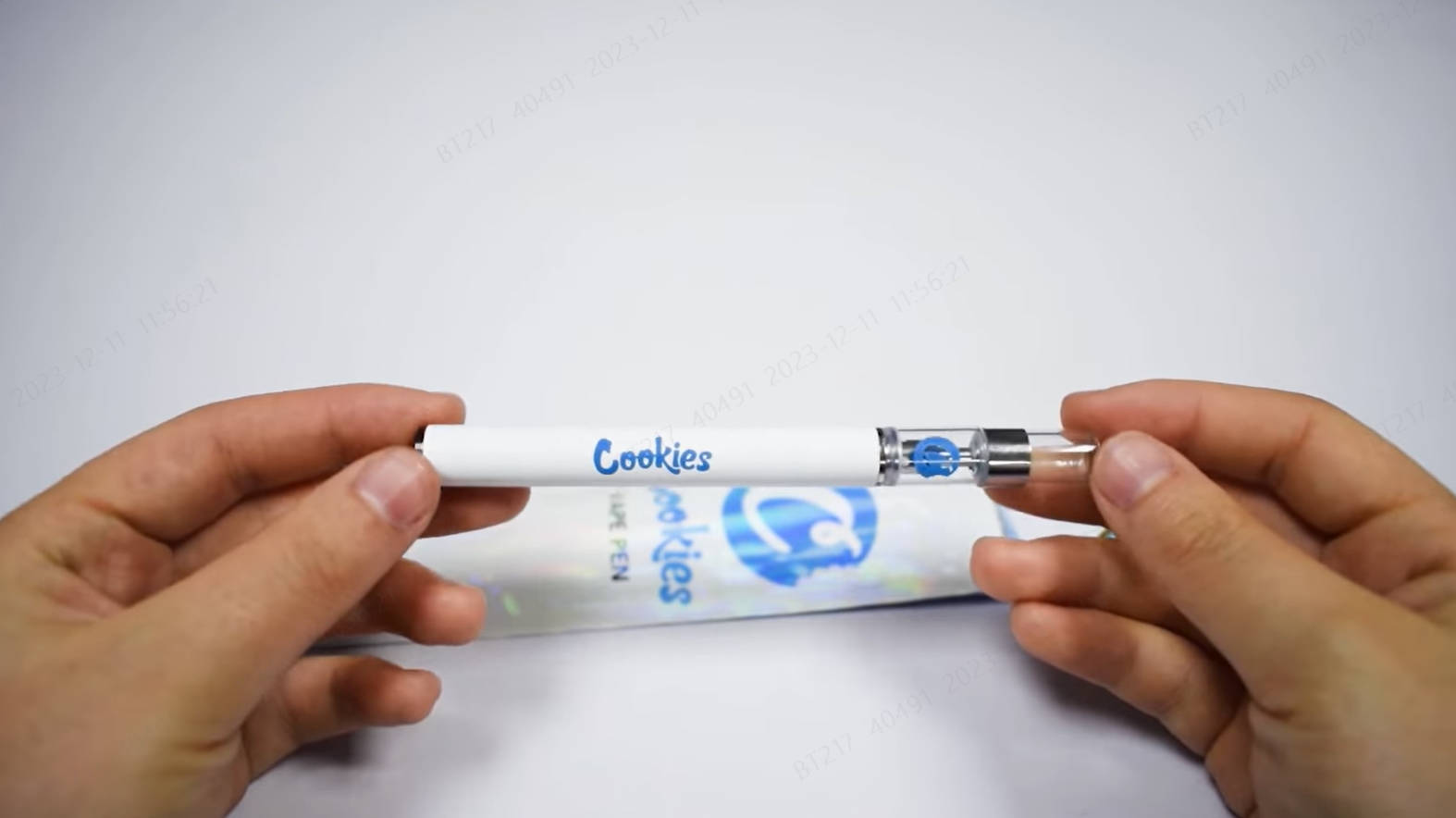
510-Thread Chargers: Work with most cookies twist 510 cartridge battery models
eGo-USB Chargers: Compatible with Cookies Slim Twist and similar models
USB-C Chargers: Required for newer cookies cartridge battery models
Micro-USB: Used in older cookies dab pen battery variants
Identifying Genuine Replacement Chargers
Counterfeit cookies pen charger accessories are common and can damage your device. Here's how to identify authentic chargers:
| Feature | Genuine Charger | Counterfeit Warning Signs |
|---|---|---|
| Build Quality | Solid construction, smooth threading | Loose connections, rough threading |
| LED Indicators | Consistent, bright colors | Dim or inconsistent lighting |
| Packaging | Official Cookies branding, QR codes | Generic packaging, spelling errors |
| Price | $15-30 depending on model | Suspiciously low prices (<$10) |
Expert Manufacturing Tips from Magic Tech
Drawing from our decade-plus experience manufacturing electronic cigarettes and working with customers across the US, Russia, and Europe, we've identified key factors that extend cookies vape battery and charger lifespan.
Optimal Charging Practices
Following proper cookies vape pen instructions significantly extends device life:
Temperature and Environmental Factors
Optimal charging occurs between 15-25°C (59-77°F). Extreme temperatures affect cookies battery charger performance:
Cold environments slow charging and reduce battery capacity
Hot environments trigger safety shutoffs and can damage internal components
Humidity above 80% can cause corrosion in charging ports
Direct sunlight during charging can overheat the battery
Charging Cycle Optimization
Based on our testing protocols, following these practices extends battery life:
Avoid charging overnight - disconnect when the green light appears
Charge before battery completely depletes (20-30% remaining)
Use original or certified replacement chargers only
Allow 10-15 minutes cooling time between heavy use and charging
Clean connection points weekly with isopropyl alcohol
Advanced Troubleshooting Techniques
Professional repair techniques we use in our quality control process:
Warranty Information and Customer Support
Understanding warranty coverage for your cookies vape pen charger can save significant replacement costs and ensure you receive genuine support.
Standard Warranty Coverage
Most authorized cookies charger retailers offer warranty protection, though terms vary by vendor. Typical coverage includes:
Manufacturing defects: 30-90 days from purchase
Charging port failures: Usually covered under manufacturing defects
Battery capacity degradation: Rarely covered unless premature (within 30 days)
Physical damage: Not covered under standard warranties
When to Contact Support
Contact customer support for your cookies pen battery instructions when:
Multiple charging cables fail with the same device
Device shows charging indicators but doesn't function after charging
Unusual heating during normal charging
Visible damage to internal components
Safety concerns about battery swelling or unusual odors
Need Professional Vape Solutions?
Looking for reliable vape products and accessories? Check out our Cookies 1G Disposable Collection for professional-grade alternatives.
Conclusion: Mastering Your Cookies Vape Pen Charger
Successfully troubleshooting cookies vape pen charger issues requires understanding your specific model, following proper charging procedures, and recognizing when professional replacement is necessary. This comprehensive guide combines user-reported solutions with professional manufacturing insights to address the most common charging problems.
Remember that cookies battery charger instructions vary by model, and using incompatible chargers or accessories can cause permanent damage. When in doubt, consult the manufacturer's specifications or seek professional support.
For persistent issues that can't be resolved through troubleshooting, replacement with genuine cookies 510 battery charger components ensures optimal performance and safety. Investing in quality charging accessories protects your device investment and provides reliable daily operation.
About This Guide: Created with insights from Magic Tech's 10+ years of electronic cigarette manufacturing experience. Information accurate as of 2024.
Disclaimer: Always follow manufacturer instructions and safety guidelines. This guide is for educational purposes only.
Send Inquiry